


 Назад
Назад 

 1хв
1хв Як увімкнути ліхтарик на повербанку?
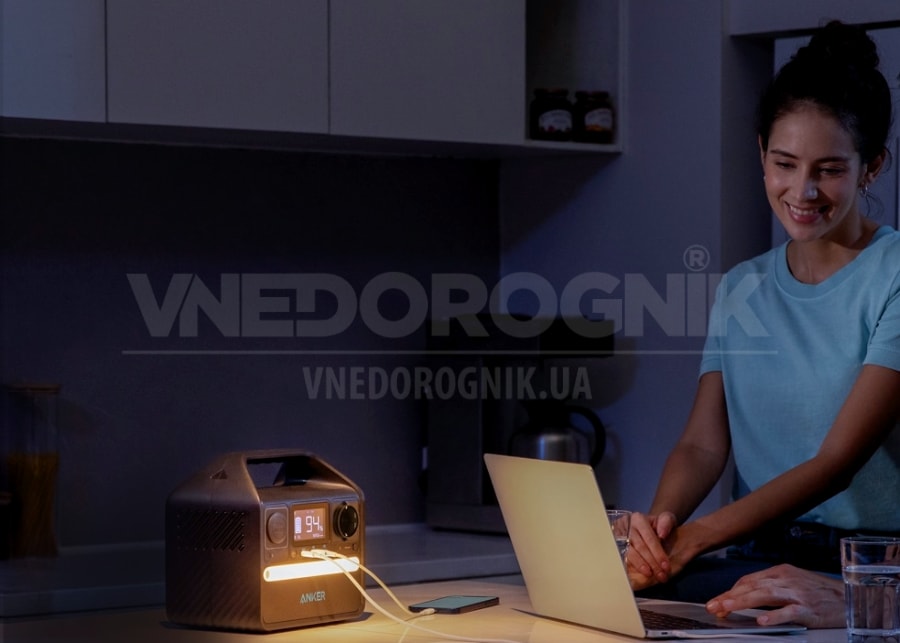
Потужні зовнішні акумулятори або зарядні станції - це справжня знахідка в умовах постійного відключення світла. Також вони є незамінними помічниками в польових умовах, де немає навіть теоретичної можливості підключитися до центральної мережі.
Зарядні станції мають приголомшливу потужність і ємність. Вони дозволяють заряджати багаторазово смартфони, планшети, ноутбуки та іншу техніку. Окремі моделі здатні живити навіть холодильники, насосні станції та інше вимогливе обладнання.
Сучасні станції підтримують під'єднання від 3 і більше пристроїв одночасно, швидку зарядку і ще безліч додаткових опцій. Однією з них є вбудовані світлодіодні лампи. Вони зручні тим, що не потрібно підключати зовнішнє освітлення.
Керування вбудованим у повербанк ліхтариком
Зарядні станції передбачають просте інтуїтивно-зрозуміле управління. Тому розібратися, як увімкнути ліхтарик на повербанку дуже просто, загалом існує кілька способів:
- Скористатися окремою кнопкою, що відповідає за світлодіодне освітлення.
- Зайти в меню й активувати опцію там.
- Затиснути або кілька разів натиснути кнопку живлення.
Спосіб увімкнення безпосередньо залежить від виробника і конкретної моделі. Просунуті пристрої підтримують керування освітленням шляхом використання фірмового застосунку бренду
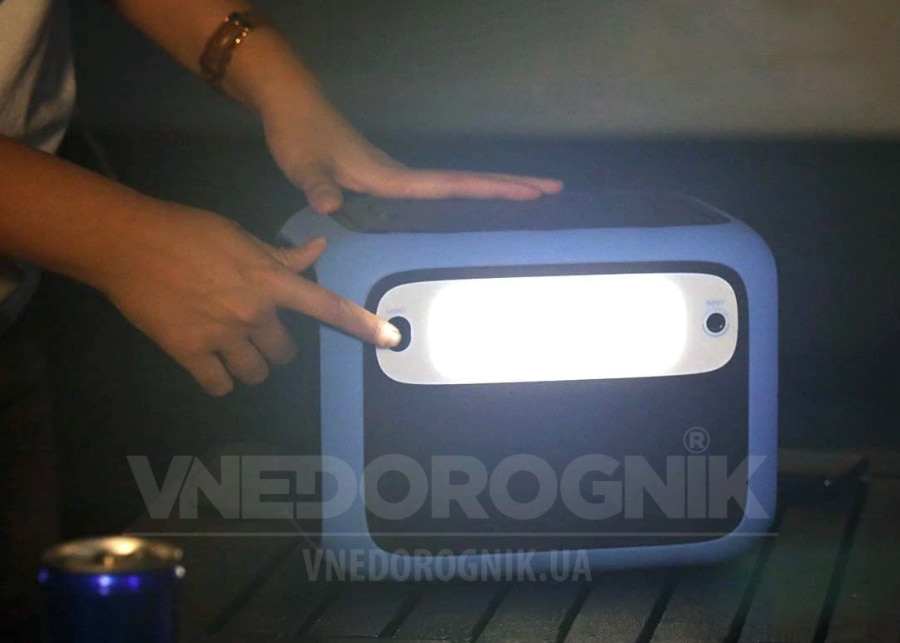
Деякі зарядні станції передбачають тільки один режим світіння. В інших є можливість зміни яскравості, увімкнення режиму миготіння тощо. Більш точну інструкцію щодо роботи системи освітлення і доступних режимів слід шукати в керівництві з експлуатації. Там же можна знайти відповідь на питання, як вимкнути ліхтарик на повербанку.





 352
352


