







 VNEDOROGNIK БЛОГ
 My blog
 Event Calendar
 Gallery
 Tuning Atelier
 Articles
 Videos
 B2B
B2B
 SALES
SALES
 Manufacturers
 Delivery
 Payment
 Return of goods
 Catalogs
 Reviews
 ABOUT US
 Contacts
 Dealers
 Installation and maintenance









































content
-
?
-
?
Fan and Emergency Disconnections are today's reality, and there are several solutions to reduce their impact on your comfort and efficiency.
shutdowns can currently last from a few hours to 12 or even more, which will make strong adjustments in your plans for a day or even more. In addition, the problem is the shutdown of a home Internet due to the suppression of the power supply both in the provider and a modem with a router located in your home. The vast majority of these devices are not a battery equipment to ensure standalone operation. And in such circumstances, the load on mobile networks increases tenfold, which leads to interruptions, deterioration of communication and data rate. Let's look at these problems in more detail and find out how to solve them.
How many electricity electricity consumes?
As a device, we present a table with the main consumers of electronergy, ie devices, in a "standard" home.
| device | Power | Working time without power |
| typical laptop | 45-100 W | 2-4 hours |
| Powerful laptop | 150-400 W | up to 3 hours |
| Stationary Computer | 300-700 W | - |
| Monitor | 60-80 W | - |
| Starlink terminal | 80-100 W | - |
| refrigerator | 200-500W | up to 1 day keeps cold |
| microwave oven | 1000-1500 W | - |
| boiling melt | 1500-2500 W | - |
| induction electric stove | up to 2000 W for 1 comfort | - |
| ordinary electric stove | up to 2000 W for 1 comfort | - |
| Electric track | 1500-3000W | - |
| 750-1500 W | - | |
| 500-3000W | - | |
| charging for smartphone | 10-60 W | - |
| 50-150 W | - | |
| lad bulb | 6-15 W | - |
| wifi router | 6-20 W | - |
According to these data, you can draw the following conclusion :
Computer devices, lighting (LED) and Internet equipment requires not as much power as it seems at first glance.

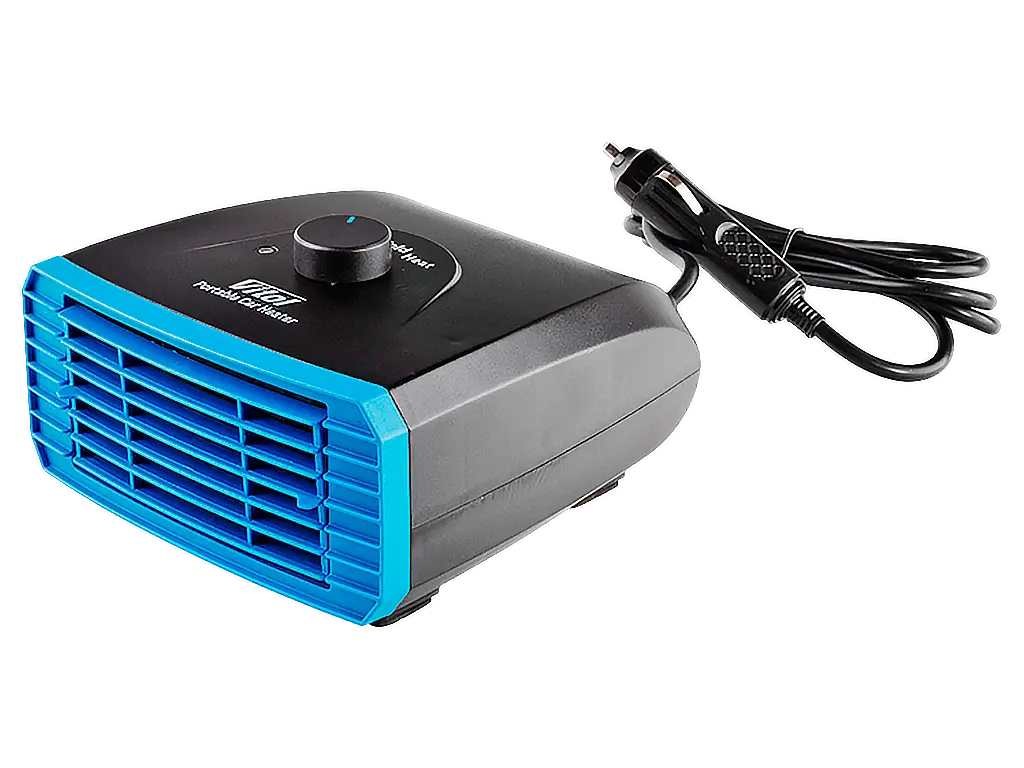
But such electrical appliances as microwave, electric stove, kettle or heater are the main consumers. Providing their autonomous power will be a more difficult task. However, everything is possible if the budget is not limited. But with a limited amount of funds will have to calculate somewhat.
How to connect electrical appliances?
| devices scheme | Chop consumption |
| 2 laptops + monitor | 300W |
| 2 laptops, 2 LED bulbs | 250W |
| >
microwave / heater (turn on in turn) 2 laptops |
1700W |
| >
microwave / heater (turn on in turn) refrigerator laptop |
2000 VT |
| 10 laptops, Starlink, 4 monitors, 4 LED light bulbs | 1500 W |
| >
10 laptops, 4 monitors, 4 LED light bulbs, refrigerator, microwave (turn on without laptops) |
2000 W |
| >
10 laptops, stationary computer, 6 monitors, 6 LED light bulbs, refrigerator, microwave (switch on without laptops) |
2800 W |
| >
2 heaters (not at maximum), 2 laptops, refrigerator, microwave oven - all at the same time |
5000 W |
Based on such "standard" examples, you can understand what power you need for your home or workplace.
Schemes for ensuring uninterrupted power
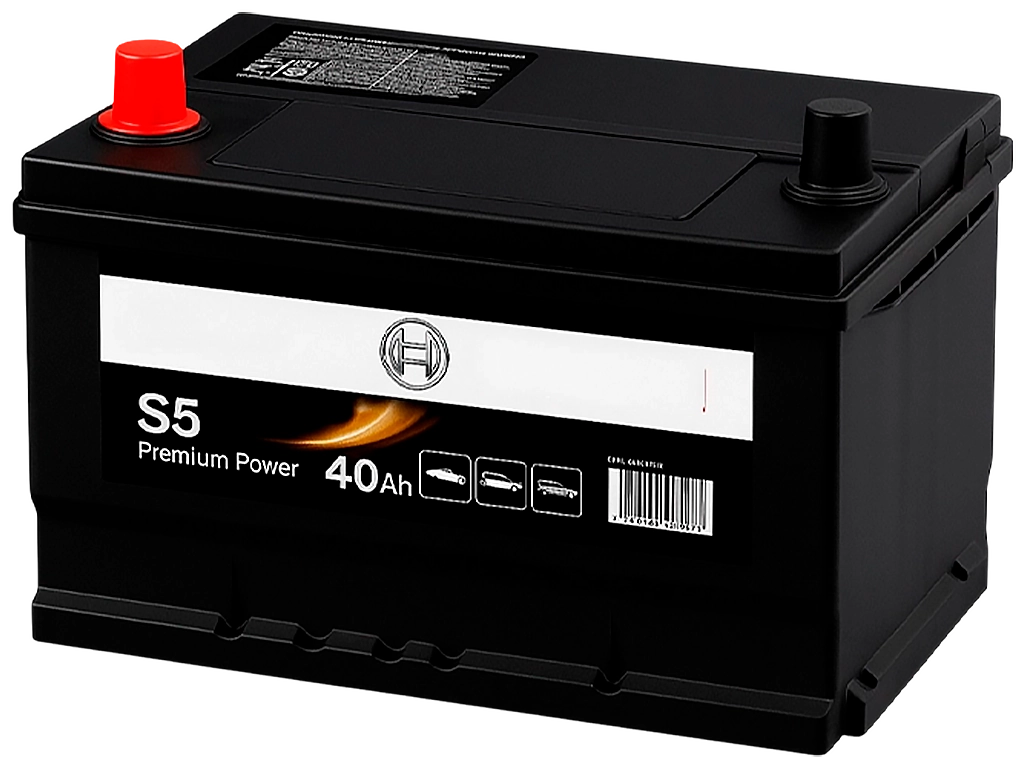
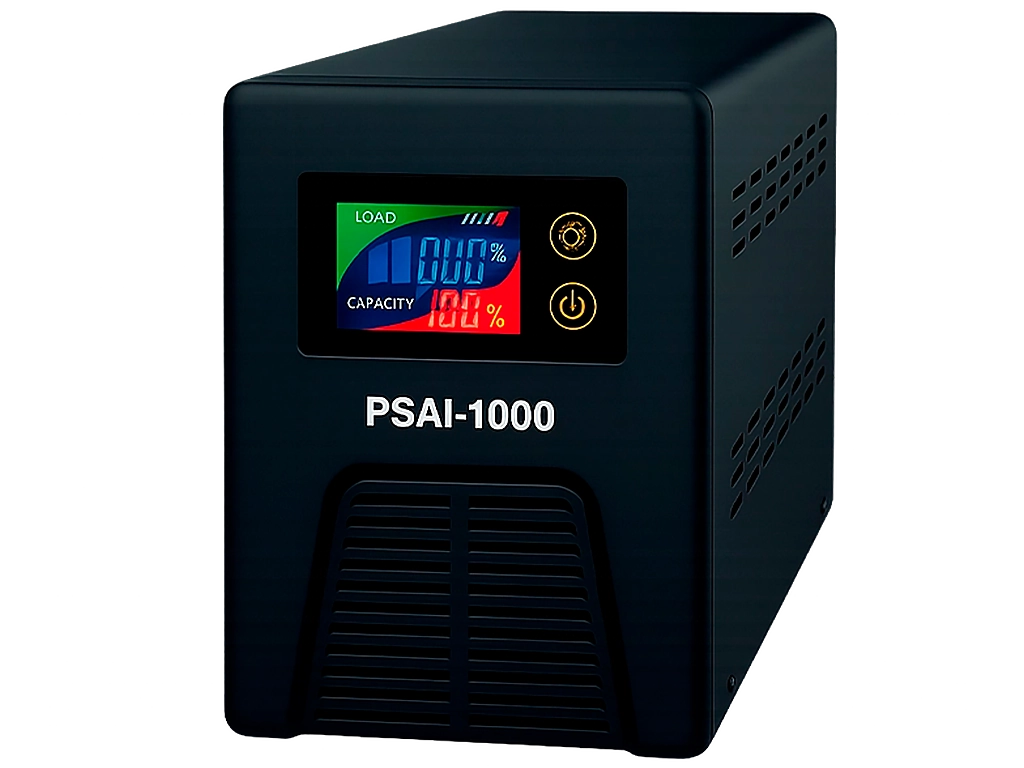
Consider for example 2 options for providing autonomous power. The first is better suited for an apartment or office in case of short -lived shutdowns, and the second for the house. It will provide long -term autonomy without electricity.
? 
This scheme is released with silence and compactness, as it uses a silent battery and almost silent UPS (except for the cooling system fan), allowing you to work comfortably with the device in one room.

By the way, it is not necessary to use UPS and battery separately. There are now many charging stations - all in one "with high portability, but we will return to the market.
Scheme of power connection with generator (power plant)

This option allows you to stay with energy as long as the fuel and oil for the generator. In addition, depending on the model purchased, such devices are able to provide most appliances in the house, ie electric stoves, refrigerators, TVs, etc. The disadvantages should be highlighted at work and the need to periodically turn off the generator for cooling and refueling with fuel and lubrication.

Now let's return to the main - devices that can accumulate or produce electricity?
What charging station to choose?

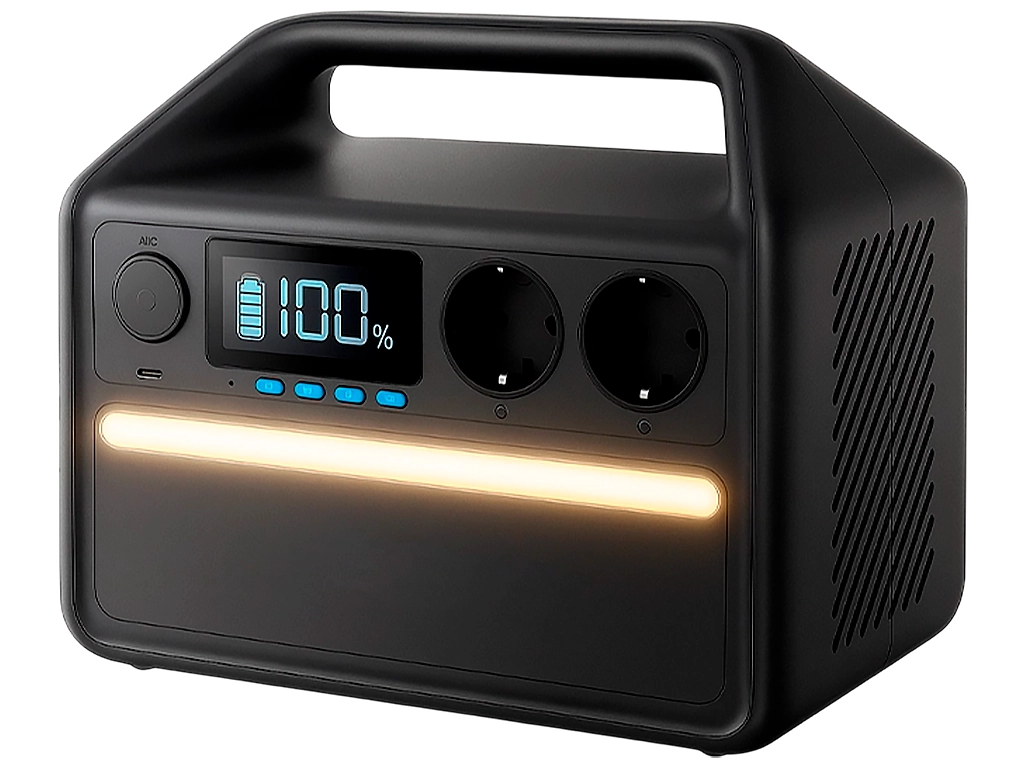
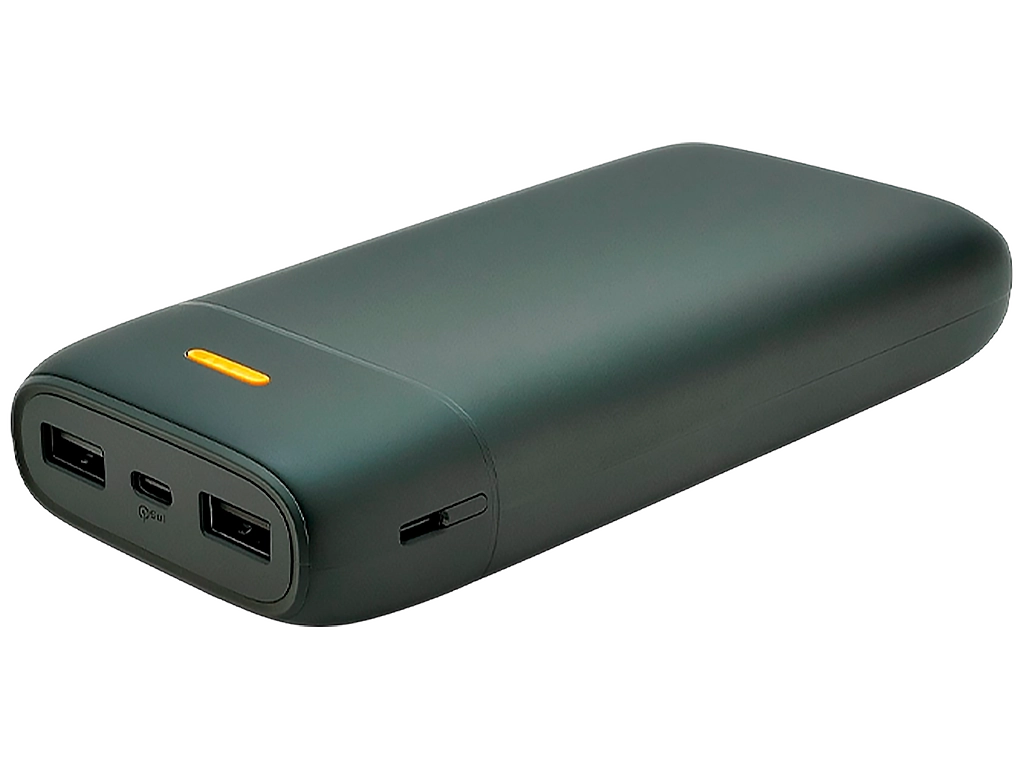
charging station is a device "all in one" or "Big Backbank", capable of feeding from 5 or more devices at a time. Even the smallest models can charge smartphones, laptops, lighting or gas boiler. For a house or apartment, it is advisable to choose a model of 500 watts of power. This will be enough for several laptops for a long time.
? - leaders of this segment, which offer the most advanced and high -quality charging stations with high versatility.| Example of the charging station | references and characteristics | |||||||||||||
| > | >
capacity: 200 W · h Power: 600 W weight: 4.4 kg |
|||||||||||||
| >
Power: 600 W weight: 5 kg |
>
|
|||||||||||||
| >
|
>
Power: 500 W weight: 7.5 kg |
|||||||||||||
| >
> w · h Power: 1000 W
| > | |||||||||||||
| >
|
>
? w · h
Power: W
|
|||||||||||||
| >
Power: 1500
|
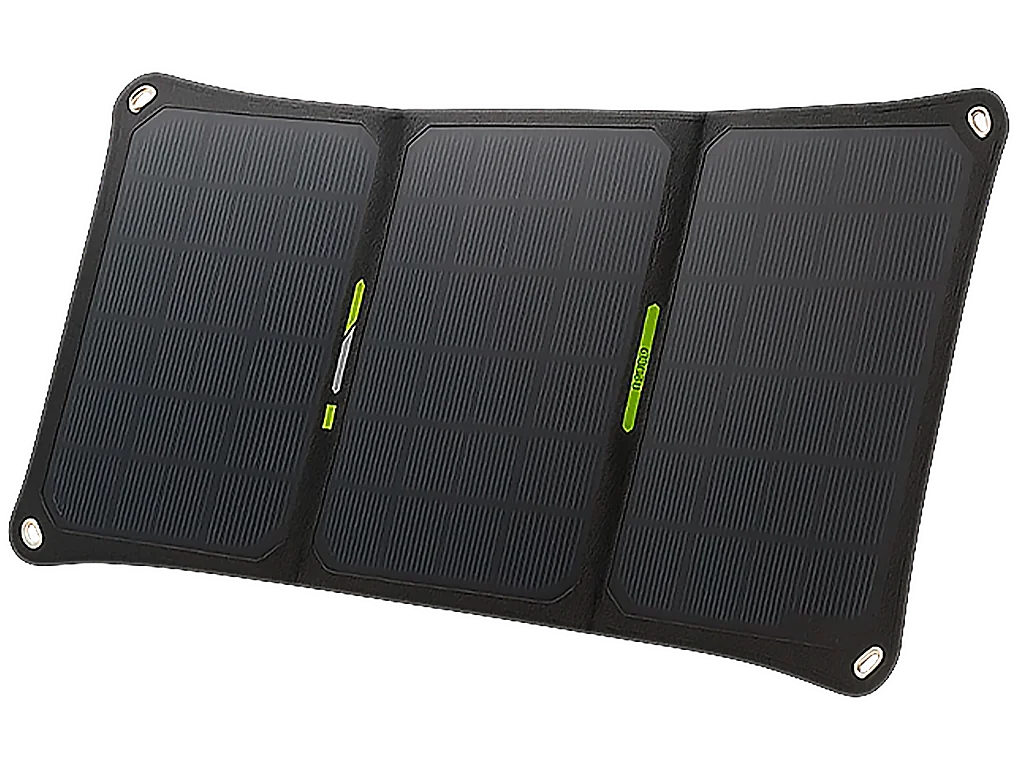
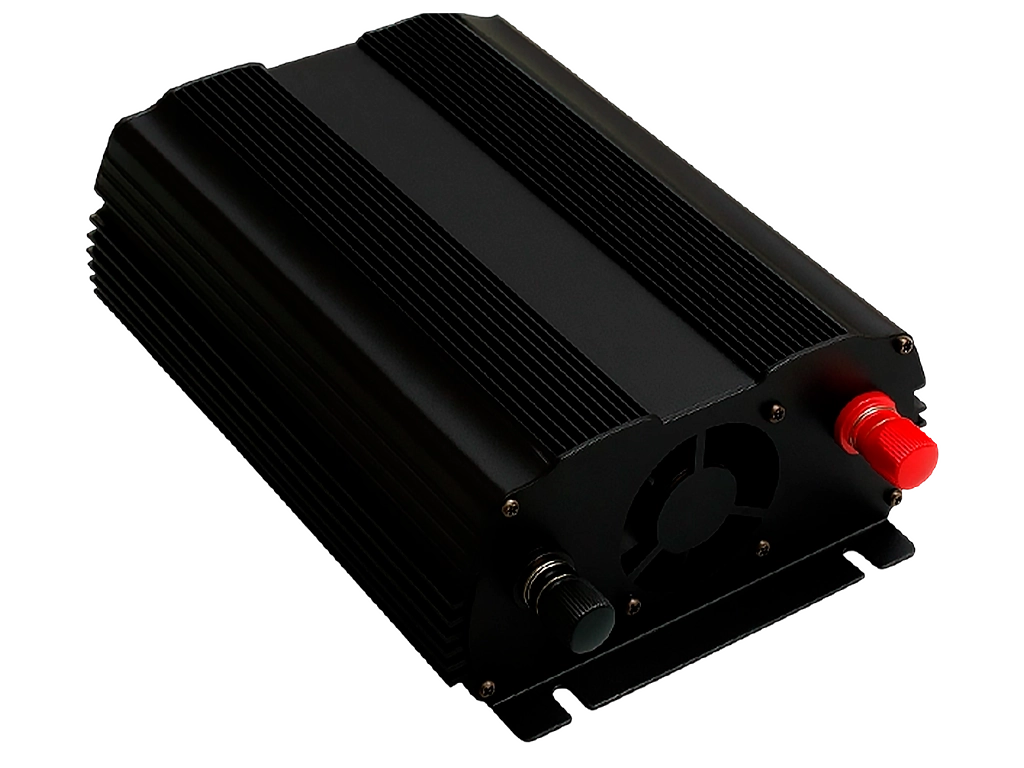
 This is a good option for hot and clear days, when such panels are given to the stated characteristics.But in winter, the solar panels are quite ineffective, so it is better to pay attention to more powerful charging stations than buying such a kit for winter. View the solar panels to charging stations can at . Uninterrupted power source (UPS) dump -a 12V-in or external battery in 220V. When choosing, pay attention to the following characteristics:
How to connect an electric generator to the house?You should buy a generator switch . It is needed to switch the house to quickly switch the house between the external network and the generator.This is the best connection option. a more dangerous solution - Cable type "fork - fork" or "Suicide Plug". It is an extension cord with forks at two ends where one connects to the home network and the other to the generator.
a simpler and safe solution would be to use an extension cord (network filter) from the generator to the desired devices. In this case, you do not need to worry about the fact that something can happen to the wiring. And in the case of connection of charging stations, it will also allow you to use the accumulated charge more efficiently.
How to provide yourself with the Internet when power is switched off?Ideal - buy Starlink Important not to buy used by Starlink , as it can be blocked under the account.It is better to give preference to new devices to protect yourself from a non -working device. In Ukraine, the price of use is $ 60 per month . If you plan to use the Starlinka terminal is not stationary, then it is necessary to connect an additional Portability or Starlink for RVS service, as Starlinka will not work outside the range of 40 km from the place of purchase of the service package. The first service is now free for Ukrainians. is now about the terminal itself. There are currently 3 modifications Starlinka - V1, V2 and V3 . And judging by the experiences of use and review, it is difficult to say which model is better. Although V1 should highlight the power supply cable from standard 30m to 60 meters and standard openings, which increases its repair. For use in an apartment building the terminal must be used on the roof, as it needs to be directed to the sky, and from the window it works bad enough. cheaper option - antenna and router This is a solution for those who need to get 4G where the signal usually does not reach. This set acts as a signal amplifier , allowing to "catch" a 4G 900 MHz signal up to 20 km. The router requires a seven-card and power (requires little power, so in most cases the source will be suitable even by Paverbank). Alternative to amplify 4G signal - access point Data Devices designed to "pick up" a fading signal , its reinforcement and transmission to the terrain where it is not available at all. Such devices have an Ethernet exit and a high -speed LTE modem capable of transmitting data at a speed of 150 Mbps for transmission and 50 Mbps for data receipt. This is a good solution for providing an office or home with a 4G Internet If your technology is a leading Internet technology or provider does not work when switching off electricity. ? If your provider can work when you turn off the light (you can check the information by calling your provider), it will be more appropriate to find a way to serve a router and a modem in your home, giving up a full online connection. Today most router and modems feed from 12V, 9V or 5V and have an input current from 0.5a to 2a. You can find out what power your devices need to stickers on their bottom or chargers. You can now be on sale ready -made kits and fees, which will automatically switch the power of the router and modem to the backup and back when light on. Such devices today cost from $ 60 or more (depending on the size of the built -in battery). By the way, you will need cables to connect the router. Most models use the 5.5*2.5 mm or 5.5*2.1 mm . These are fairly common opens that can be found with many low-power devices such as portable radios, acamulatory lanterns, toys or LED tapes. Or you can always order such cables on the Internet. Another nuance that is worth paying attention to is that you will connect a router to 12 V. This can be viewed. This can be viewed on the bottom of the device or in the Internet characteristics.If it does not have this opportunity, you need to find a cable with the desired modem/router plug and increase in tension. They can be purchased without problems on Olh, for example, although the price for them is now highly inflated due to high demand. These cables are obtained at the input of the standard 5V and increase them at the outlet of up to 9V or 12V required for the router or modem. If you have any questions from the selection of charging stations and consulting the device you need for your needs, our Menjers will gladly help to solve the problem of autonomous power supply and advise the best choice.
GPON на 12в/0.5А, от павер банка не працює, в ньому є режим 12в/22.5вт, та 20вт В чому справа? Може сила току велика? Яким саме кабелем ви підключаєте пристрій? Чи є на ньому маркування "12V" та чи підтримує ваш павербанк протокол 12V саме на тому порту, який ви використовуєте (зазвичай це вказано дрібним шрифтом на корпусі).?
Other publications

Contents
Dakar 2026 by the Numbers: Statistics and Historical Shifts
Ukrainian Engineer and the Canadian Ford Bronco
Heroism and Curios...

Contents
1. Suspension: Energy Capacity Lessons from Sara Price
2. Rigging and Recovery: When 10 Kilometers Become Insurmountable
3....

Every pickup owner eventually realizes that leaving an open truck bed is a risky idea. For a farmer, this issue is even more critical. Today...
Contents
1. Suspension Lift (Without Complex Calculation)
2. Winch Installation (Without Frame Reinforcement)
3. DIY Heavy-Duty Bumpe...
All articles
|


